

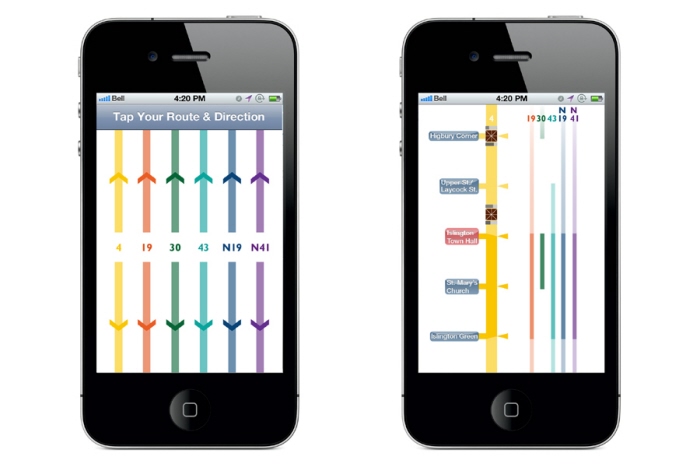
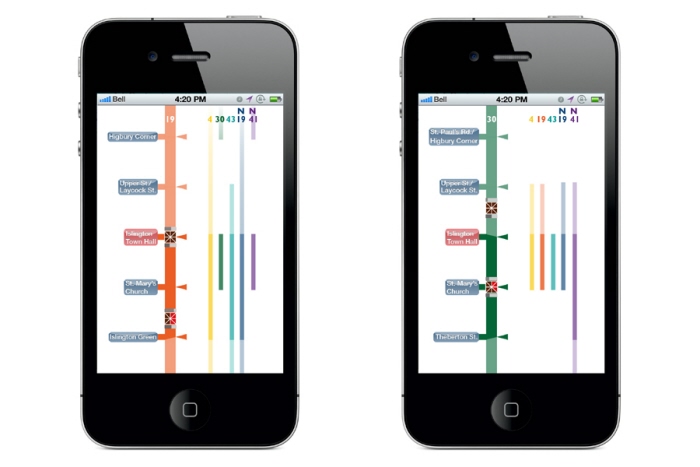
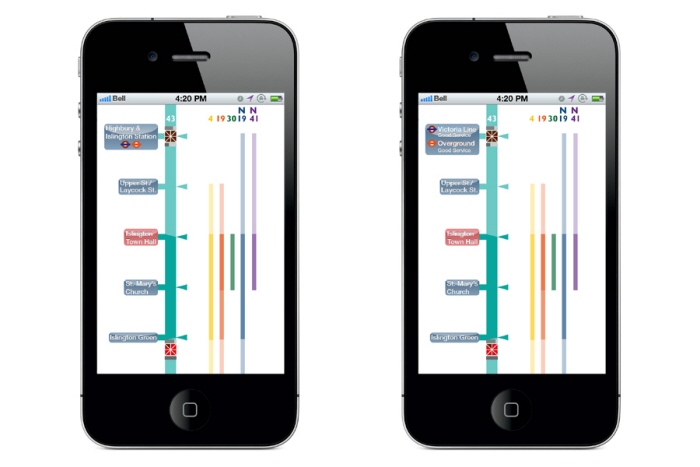
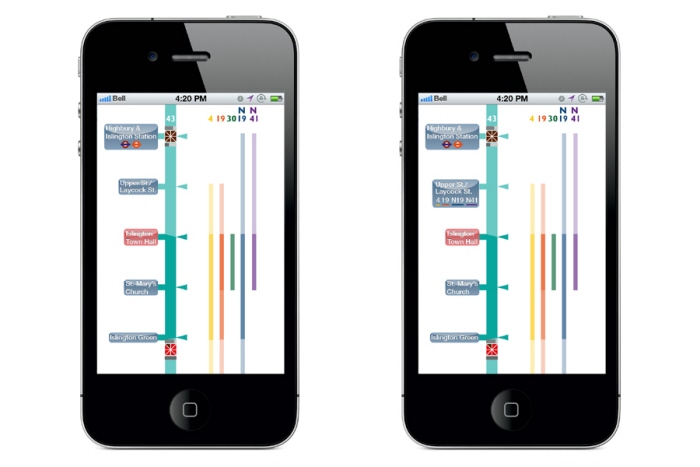
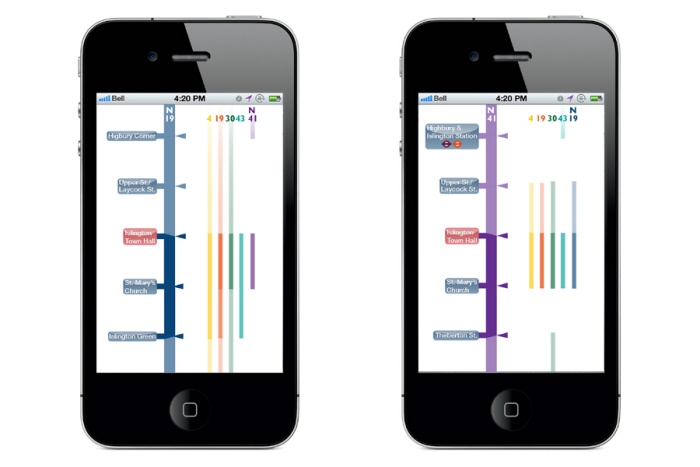
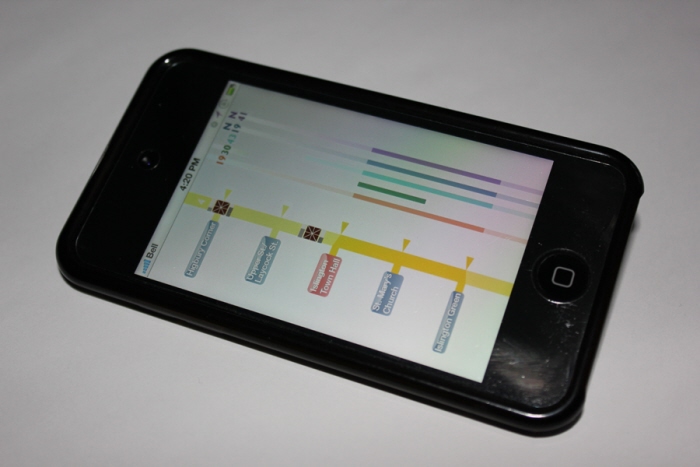
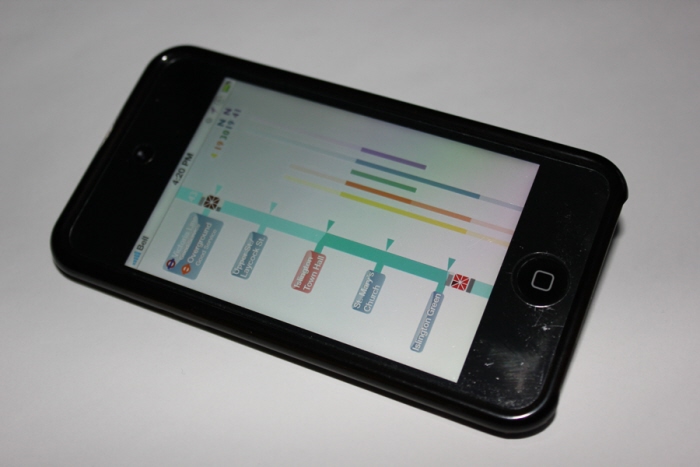
For this uni project I had to design an application to help London commuters with their bus journeys. For this I created an icon that represented a bus, showing a countdown clock until arrival at the stop. There was also a capacity bar for the top deck above this clock and one for the bottom deck below. This icon moved along a straight line representation of the route, that showed a darker opacity where there was more congestion. The user's location is shown as a red button and the stops can be tapped to reveal more information about which routes can also be taken from that stop.
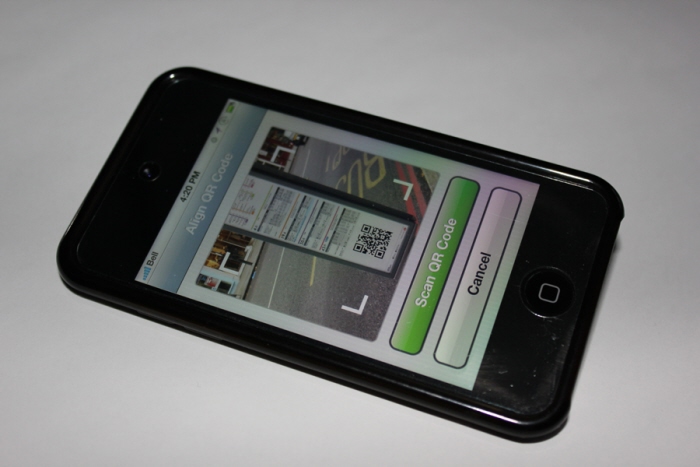
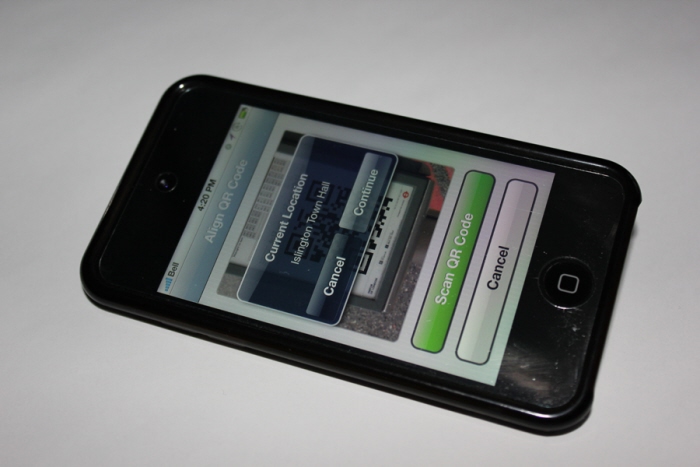
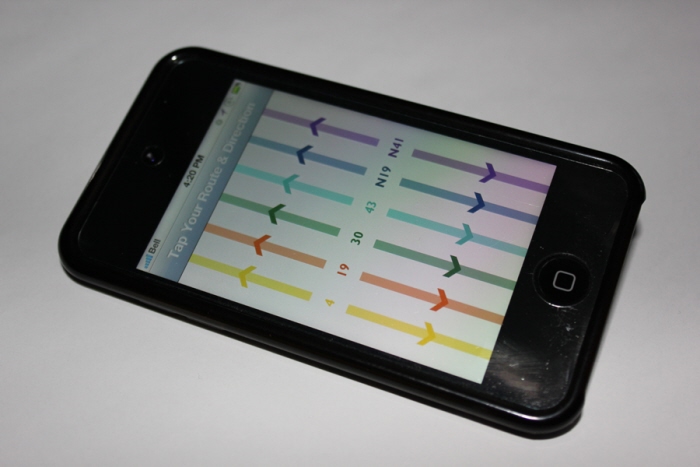
To set the user's starting point the commuter would scan the stop's QR code on the post/shelter, choose a route and direction, and then view the bus icons moving up and down the route in real time before making their decision.
