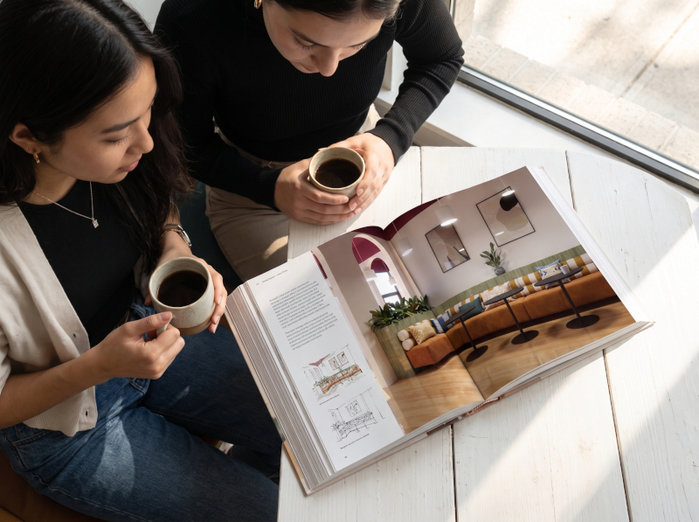
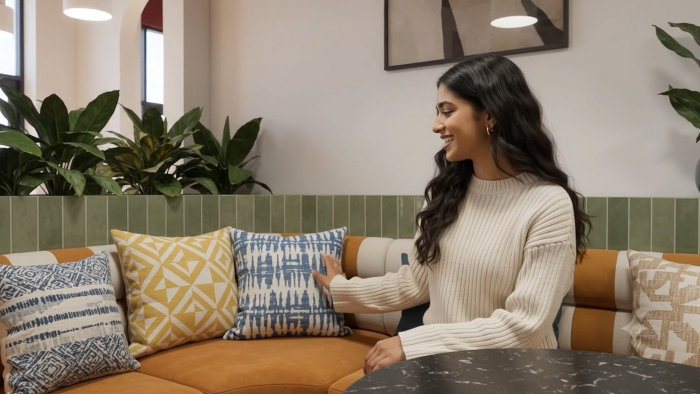
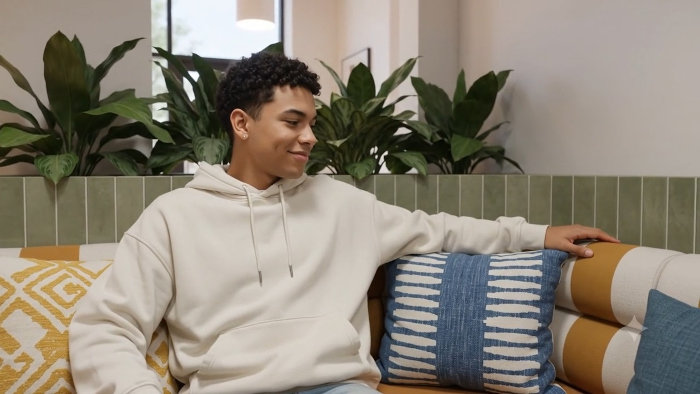
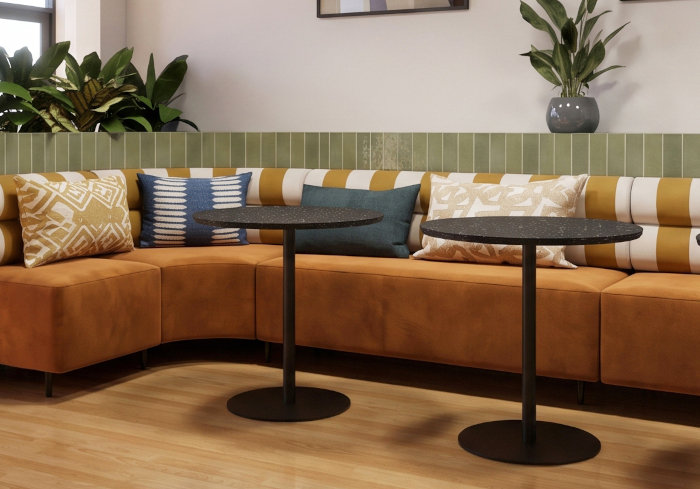
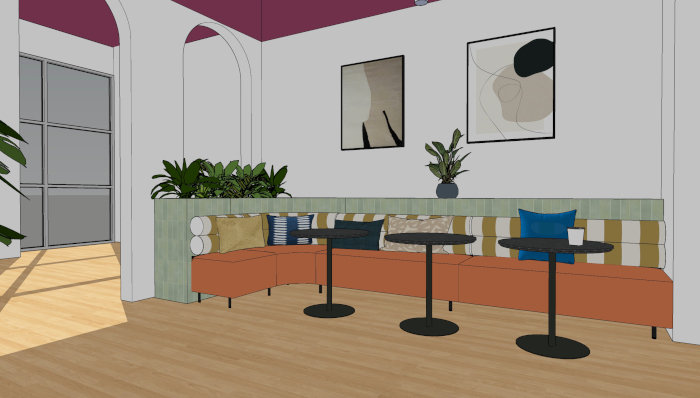
It's fun to go a little further and create mock-ups with AI using my finished renderings.
For me it's important to have actual 3D behind these editorial sorts of images, a model and a rendering, at least to make them helpful for an actual commercial interior design project.
I sometimes use a freeze-frame from a video, for instance the characters on the sofas. The people look more natural, maybe because they are mid-action. The temporal, or motion-based rendering of an AI video fixes mannequin-like stiffness.
The room's layout benefits too. An AI video model has to build a good understanding of depth, volume, and vanishing points to track the camera path. This locks in the perspective lines in a way a static perspective can't, resulting in a more accurate 3D view. And an AI video draws on cinematic sources, bringing that look to the video.
I have always loved the SketchUp perspective system, but an AI video improves on that even more. It is beautiful and exciting.