
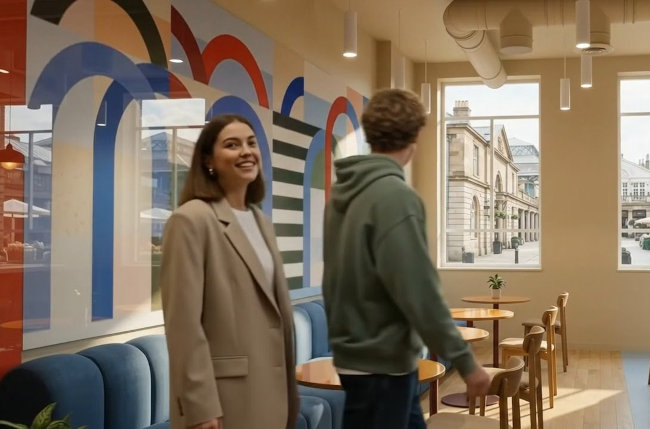
Google Flow has been a simple place to make a short video clip, also with a simple way to extend the clips, and several model options to choose from when doing that.
Now Omni Flash has been added, and although it does represent a leap in realism, with the release they changed quite a bit about the set up of the site.
Some models have now been removed and those left don't match up with each other for extending a clip. All choices lead to a bad transition between the clips, at the very least.
I assume Google is planning to increase the video length possible with Omni Flash, but right now it can't be extended; is not available.
So there is no way you can get an "intelligent," generative transition between clips, in which the motion continues seamlessly and the language takes the next logical step, all unnoticeble, as happens in the earlier, first example shown above.
That was the beauty part about Google Flow, or one of the best, most amazing features about it.