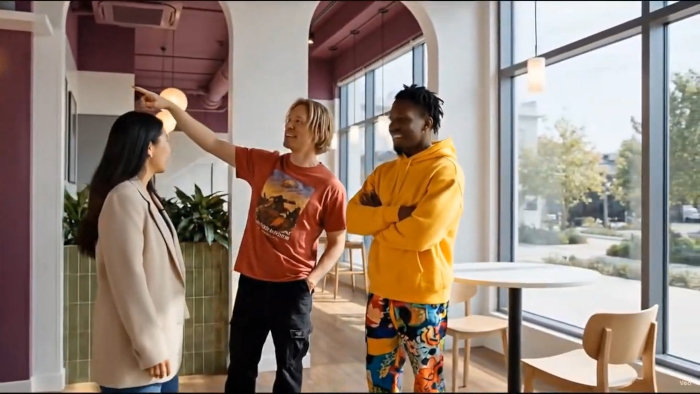
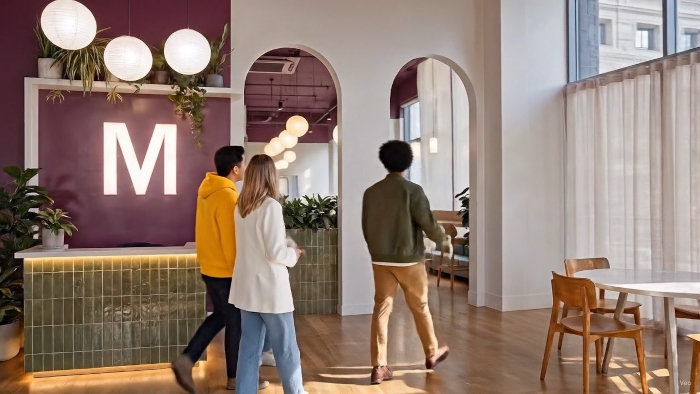

Frame from video below in which three clips were produced using extensions, available in Google Vids.
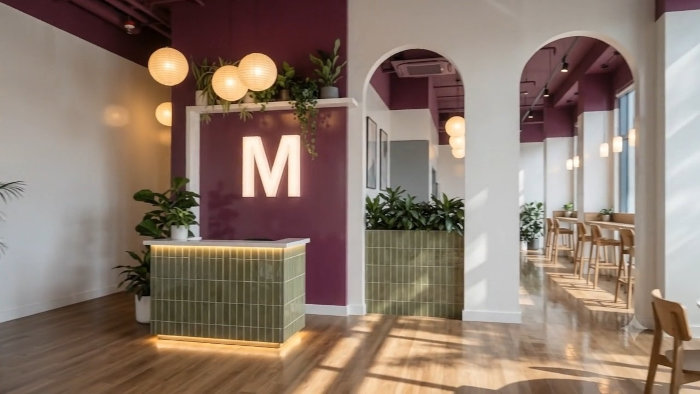
Overall image of the reception area in the McLaren building, Birmingham, which leads into a luxurious corridor type lounge.
Video clip extensions available on Google Vids, using Veo 3.1. Amazing imperceptible transitions produced with predictive audio-visual stitching, VIdeo contains 3 separate clips but the transitions are undiscernible.
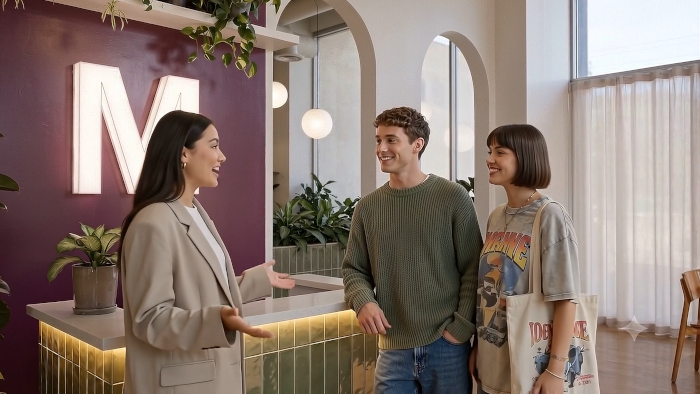
Frame from Omni Flash model video clip processed in Google Flow. Shows a leap in realism and cinematic tendancy in the depiction of people.
View of space seen in frame from a Veo 3.1 Fast video clip, also processed in Google Flow.
Experience with models available on Google Flow (Omni Flash and Veo 3.1 Fast) 1. Omni Flash clip 2. Cinematic images of people, Omni Flash 3. Veo 3.1 Fast clip
Another frame from a Omni Flash video clip, which emphasizes the cinematic images of people, often zooming in for close-ups.
gLike
Video clips in Google Flow and Google Vids

Renderings based on Bruntwood SciTech coworking office, Birgmingham, UK, designed by AXI.

At Google Vids I was able to extend videos and achieve a remarkable seamless transition between clips, using Veo 3.1. Previously I had been able to do that at Google Flow, with Veo 3.1 Fast, which is a little more accurate overall, although the transitions at Google Vids are just as good; always perfect.

I also looked at the models I still use at Google Flow. The Omni Flash model has incredible realism depictng people. Sometimes it emphasizes the cinematic look more than showcasing the interior architecture.

I thought since Omni is so good with people, maybe it would be good with architecture and materials, but it actually has a hard time remaining stable without the people in the video as an anchor.

I included a video just of architecture using Veo Fast, which has no problem handling that.

Available
Freelance, Moonlighting
fmh design
Renderings of commercial interiors San Diego, CA