I taught this class four times while at Epic. Every time I received positive reviews and their was a wait-list of students wishing to enroll. See the full slides on SlideShare -- http://www.slideshare.net/TeresaBeary/image-editing-for-beginners-gimp
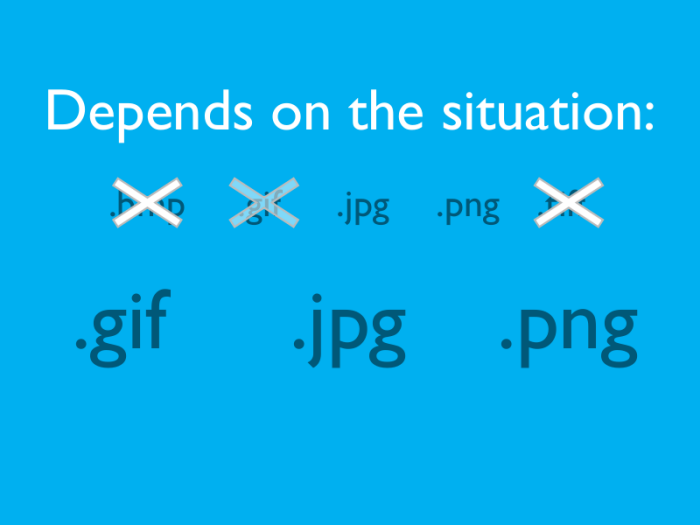
After introducing myself and my background, I cover the different image file formats and make recommendations about when they should be used.
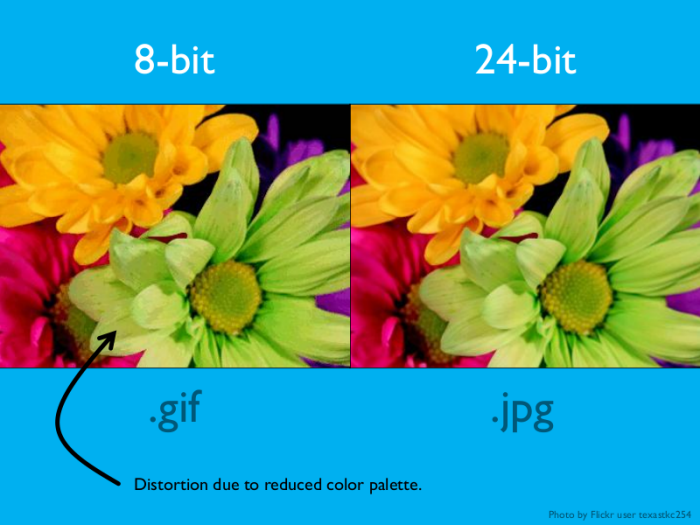
To illustrate the differences in the file formats, I show examples of color, image quality, compression artifacts, and transparency.
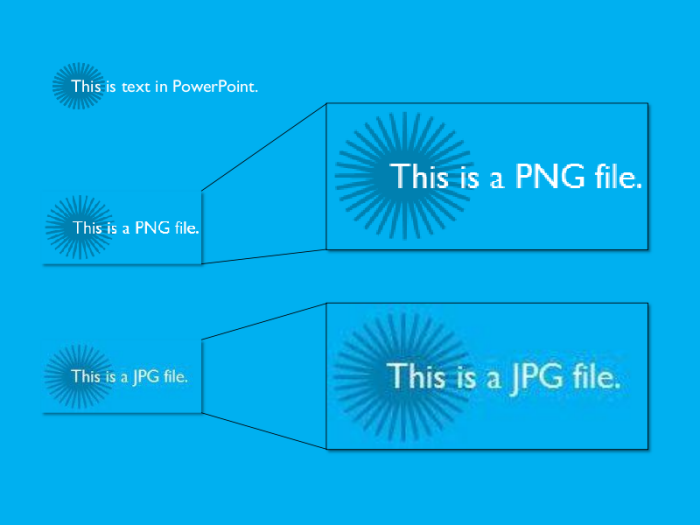
An example of compression artifacts to illustrate while .PNG is the preferred file format for images containing text and line art.
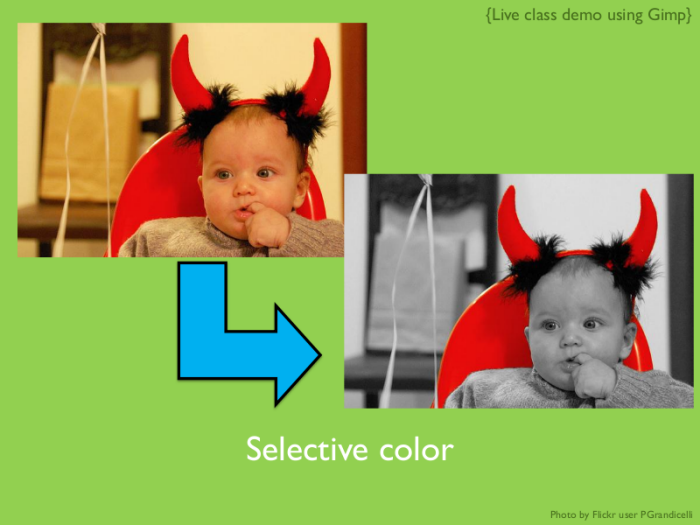
An example technique that I demonstrated in Gimp. I provided the image so students could follow along as I taught them how to apply selective color and mentioned tips to make editing easier.
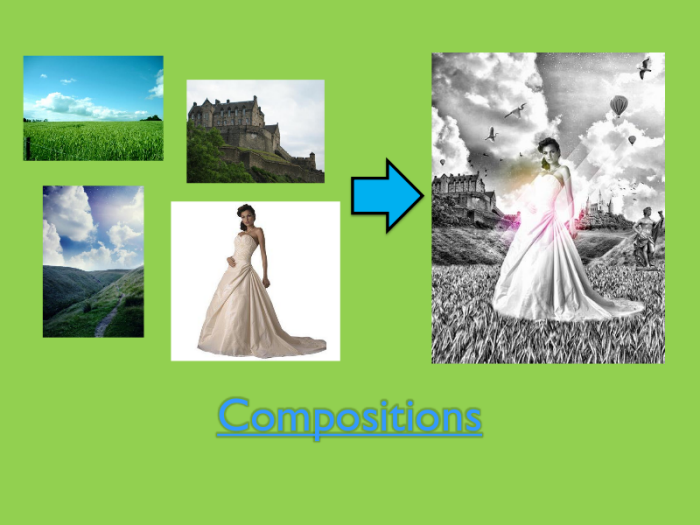
I then showed them examples of how combining the basic techniques could achieve some excellent composite images. I provided links to online tutorials so they could attempt these advanced topics on their own time.
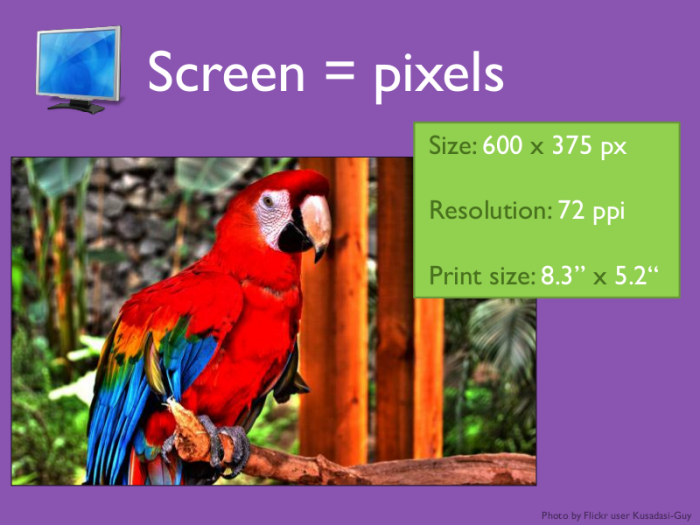
At the end of the course I discussed the importance of image resolution, especially as it applies to printed documents. I passed out example images printed in 72 ppi and 300 ppi so students could clearly see the difference.
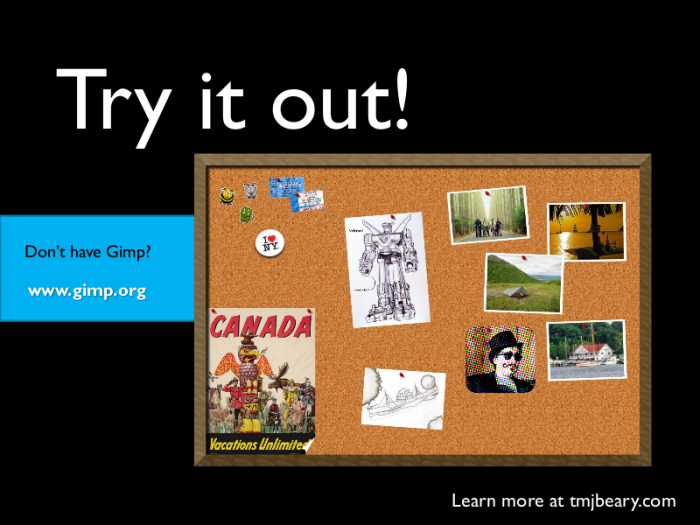
I created the composite bulletin board on this slide and provided all of the components to the students. With the extra time at the end of the class I challenged them to recreate the image, and provided the completed .XCF file for them to assess their work.
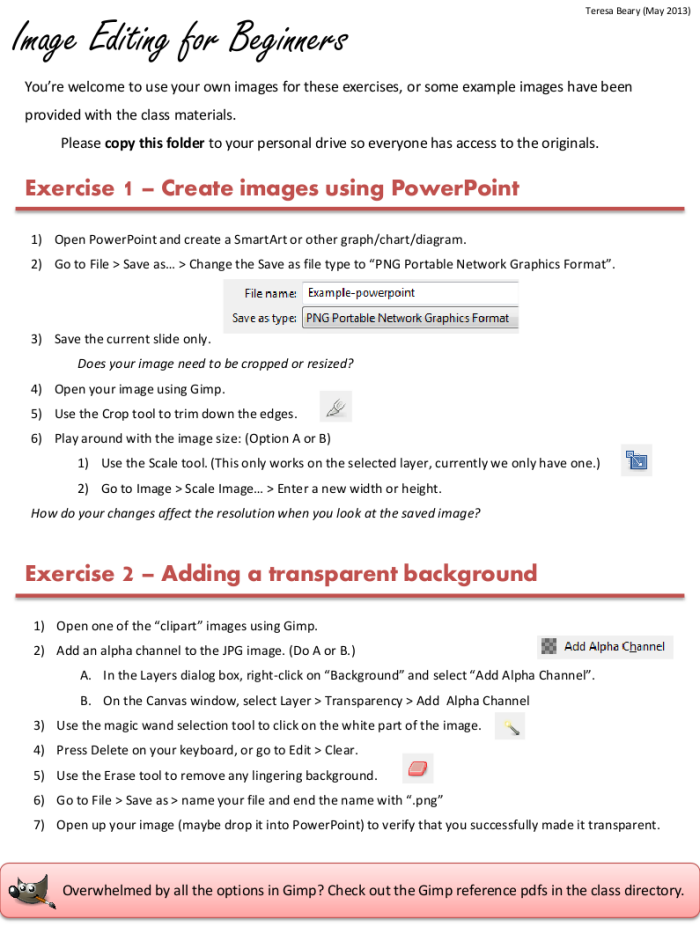
An example page from the in-class exercises the students worked through. This way they had the option of just watching the demo or following along, either way they had the exercise to work through a second image on their own. See the full document on SlideShare -- http://www.slideshare.net/TeresaBeary/image-editing-exercises
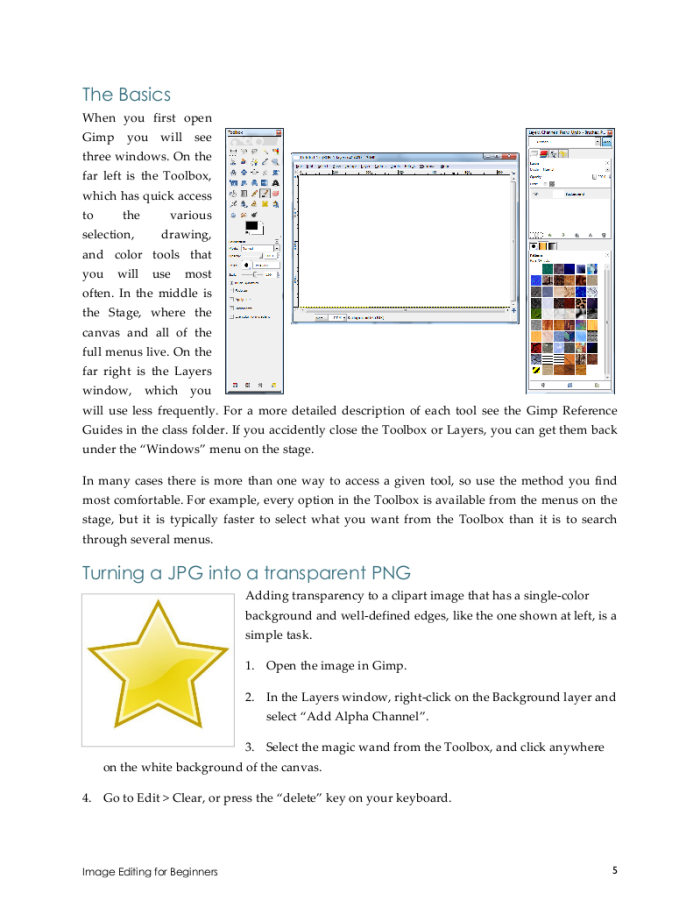
An example page from the training companion I wrote to accompany the class. Several of the examples are worked through step-by-step, and screenshots help orient the student to the most relevant parts of the interface. See the full document on SlideShare -- http://www.slideshare.net/TeresaBeary/tc-image-editing-for-beginners-22617283
gLike
Image Editing for Beginners (Class)
I developed this class on using Gimp to teach beginning image editing internally at Epic. I began by explaining the differences amongst the various image file formats, and then did live demo examples for various techniques. I provided image files so students could follow along, and then gave them time to practice the technique on their own before we moved on to the next topic. See the full slides on SlideShare -- http://www.slideshare.net/TeresaBeary/image-editing-for-beginners-gimp
View Website