


View PDF


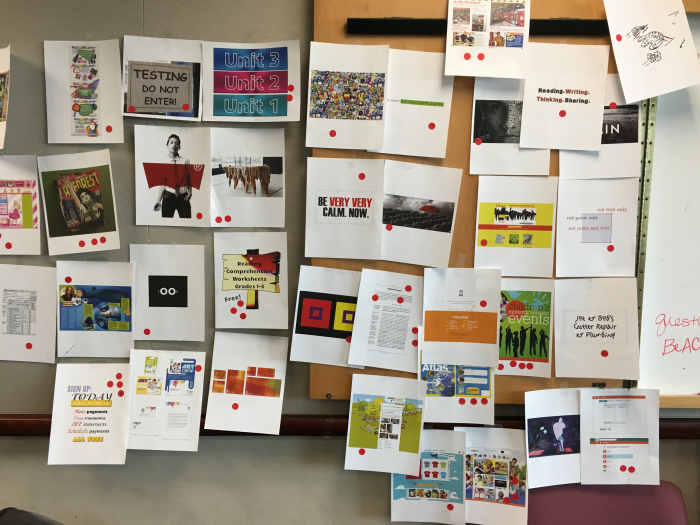
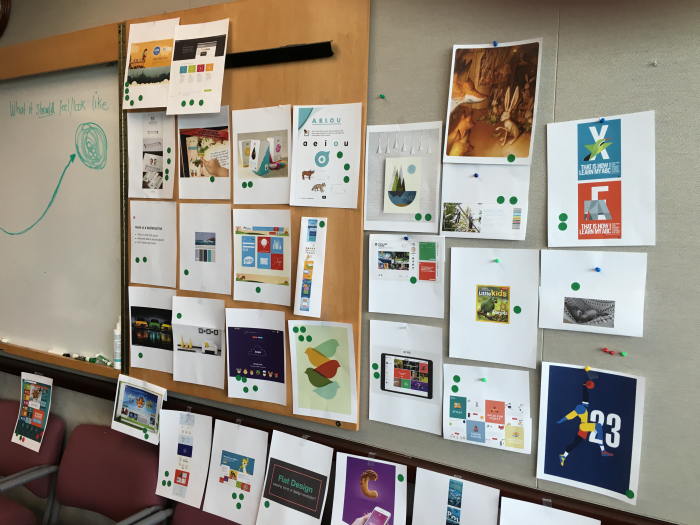
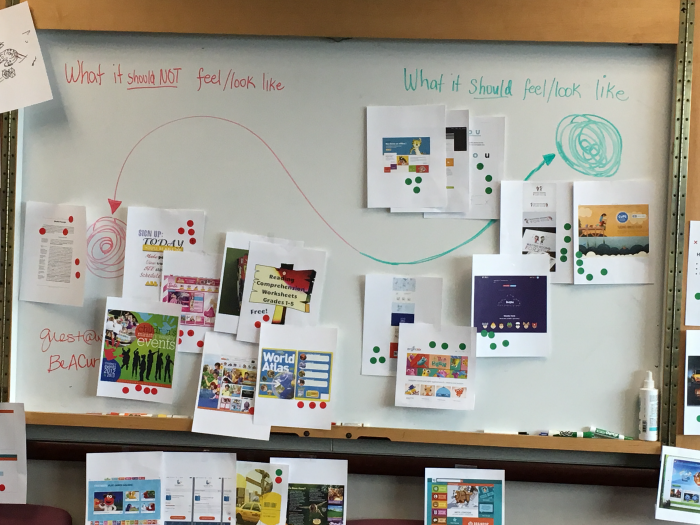
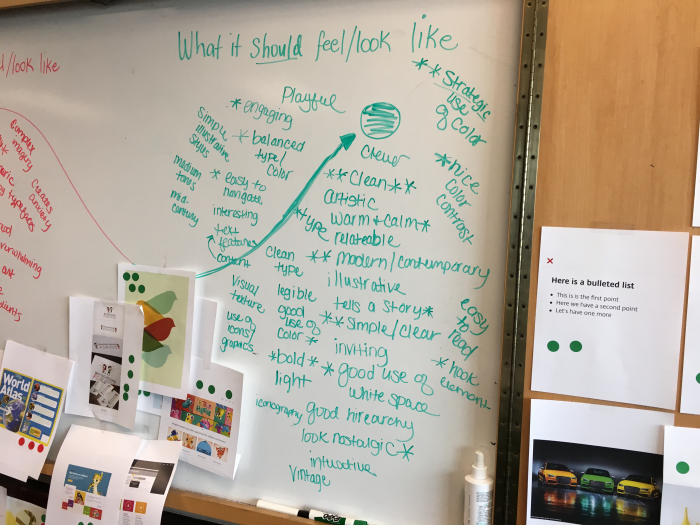
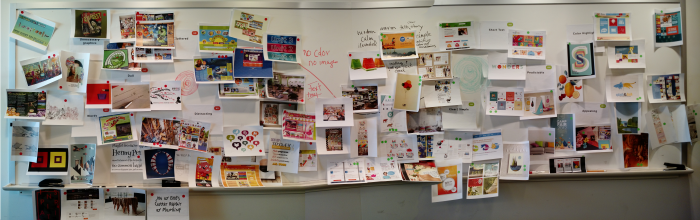
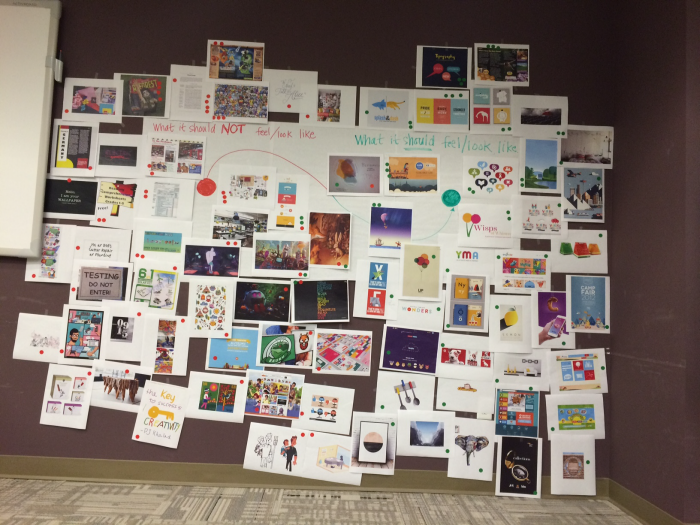
An Experience Workshop is a collaboration strategy meant for a multi-discipline group discussion to help the entire team reach a shared vision before the design process begins. This project was coming up with a vision and a direction to the design of instructional pages coupled with a selection ("before read/after read" pages). This was done remotely between the Austin, Chicago and Orlando offices. Each office placed emotion-enducing objects (words, images, products from a wide range of industries) in a shared space. We used these examples to foster a vote and discussion about the desired attributes of the user experience of the instructional pages we were developing. We then mapped the images on the continuum of "what it should feel/look like" and "what it should NOT feel/look like." Prior to the workshop, I worked with the Marketing Intelligence group to coordinate a survey to teachers to seek their feedback, and results were brought in to the workshop and was incorporated.
